
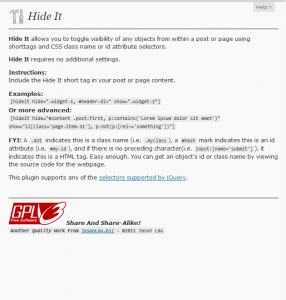
This WordPress plugin allows you to toggle visibility of any objects from within a post or page using shorttags and CSS selectors or id attribute selectors.
Example:
[hideit hide=".widget-1, #header-div" show=".widget-2, p:contains('Lorem Ipsum')"]
FYI:
.dot indicates this is a class name.
.widget-1
#hash-mark indicates this is an id attribute.
#header-div
If there is no preceding character, it indicates this is a HTML tag.
p:contains('Lorem Ipsum')
A comma must separate each object in the list.
Easy enough. You can get an object's id or class name by viewing the source code for your webpage. Anything inside hide="" will be hidden and anything inside show="" will be visible.
This plugin supports any of the selectors supported by jQuery.
Download the plugin from my repository or from WordPress.org.